Parent Resources
Useful Online Safety websites
| National Online Safety - Parent Guides | Google Safety Centre | THINKUKNOW | UK Safer Internet Centre | Childnet |
Please click on the social media on which you need advice. This information is from the National Online Safety website.
| TIKTOK | SNAPCHAT | YOUTUBE |
This information is from internetmatters.org.
| TIKTOK | YOUTUBE |
The Governors and staff of St. Stephen’s Junior School take seriously our responsibility to promote the welfare and safeguard all the children and young people entrusted to our care.
Here is our Child Protection Policy
As part of the ethos of the school, we are committed to:
- Maintaining children’s welfare is our paramount concern
- Providing an environment in which children and young people feel safe, secure, valued and respected
- Using the curriculum to provide opportunities for increasing self-awareness, self-esteem, assertiveness and decision-making
-
Working with parents to build an understanding of the school’s responsibility to ensure the welfare of all children
- Ensuring all staff are able to recognise the signs and symptoms of abuse
- Monitoring children and young people who have been identified as “in need”
- Developing effective and supportive liaisons with other agencies
Online Safety
A copy of the school’s “Pupil Acceptable Use Policy” and "Online Safety Policy" are available online or a paper copy by request.
All pupils use computer facilities including internet access as an essential part of learning, as required by the National Curriculum. Your child will have the opportunity to access a wide range of information and communication technology (ICT) resources. This includes access to: Computers and laptops, the Internet, iPads and Digital cameras.
St. Stephen’s Junior School recognise the essential and important contribution that technology plays in promoting children’s learning and development and offers a fantastic range of positive activities and experiences. However, we also recognise that there are potential risks involved when using technology and have therefore developed online safety policies and procedures alongside the school’s safeguarding measures including filtering, monitoring and specific use of personal devices.
The school takes responsibility for your child’s online safety very seriously and, as such, we ensure that pupils are educated about safe use of technology and will take every reasonable precaution to ensure that pupils cannot access inappropriate materials whilst using school equipment.(eg filtering, supervision, controlled content). However, no system can be guaranteed to be 100% safe and the school cannot be held responsible for the content of materials accessed through the internet and the school is not liable for any damages arising from the use of the school’s internet and ICT facilities.
We request that all parents/carers support the school’s approach to e-safety by role-modelling safe and positive online behaviour for their children and by discussing online safety with them whenever they access technology at home.
Online Safety
Parents/carers may like to visit the following sites for more information about keeping children safe online:
- Childnet International: www.childnet.com
- UK Safer Internet Centre: www.saferinternet.org.uk
- Parents Info: www.parentinfo.org
- Internet Matters: www.internetmatters.org
- Net Aware: www.net-aware.org.uk
- ParentPort: www.parentport.org.uk
- Get safe Online: www.getsafeonline.org
Whilst the school monitors and manages technology use in school we believe that children themselves have an important role in developing responsible online behaviours. St. Stephen’s Junior School asks that all parents read and sign the “Pupil Acceptable Use Policy” with their child. This provides an opportunity for conversation between parents and children about safe and appropriate use of technology, both at school and at home.
More useful links and resources can be found here
Top Tips for Parents and Carers
- Talk to your child about what they’re up to online. Be a part of their online life; involve the whole family and show an interest. Find out what sites they visit and what they love about them. If they know you understand, they are more likely to come to you if they have any problems.
- Keep up to date with your child’s development online. Children grow up fast and they will be growing in confidence and learning new skills daily. It’s important that as your child learns more, so do you.
- Set boundaries in the online world just as you would in the real world. Think about what they might see, what they share, who they talk to and how long they spend online. It is important to discuss boundaries at a young age to develop the tools and skills children need to enjoy their time online.
- Keep all equipment that connects to the internet in a family space. For children of this age, it is important to keep internet use in family areas so you can see the sites your child is using and be there for them if they stumble across something they don’t want to see.
- Know what connects to the internet and how. Nowadays even the TV connects to the internet. Make sure you’re aware of which devices connect to the internet, such as their phone or games console. Also, find out how they are accessing the internet – is it your connection, or a neighbour’s Wi-Fi? This will affect whether the safety settings you set are being applied.
- Use parental controls on devices that link to the internet, such as the TV, laptops, computers, games consoles and mobile phones. Parental controls are not just about locking and blocking, they are a tool to help you set appropriate boundaries as your child grows and develops. They are not the answer to your child’s online safety, but they are a good start and they are not as difficult to install as you might think.

https://www.internetmatters.org/resources/online-gaming-advice/the-basics/
This section of the site is around online gaming and each tab hosts a wealth of information, ideas, resources and useful tips. Content below gives a brief overview of what you can find on each tab – all are well worth a visit…
The basics: key trends, advice by age, top tips to keep gaming healthy
The risks: impact of gaming on behaviour, gaming addition, contact with strangers
The benefits: why do children enjoy it? What are the benefits to online gaming? Tips on how to choose the best games
The resources: guides for parents and children, setting controls, review sites to help choose games
 |
|
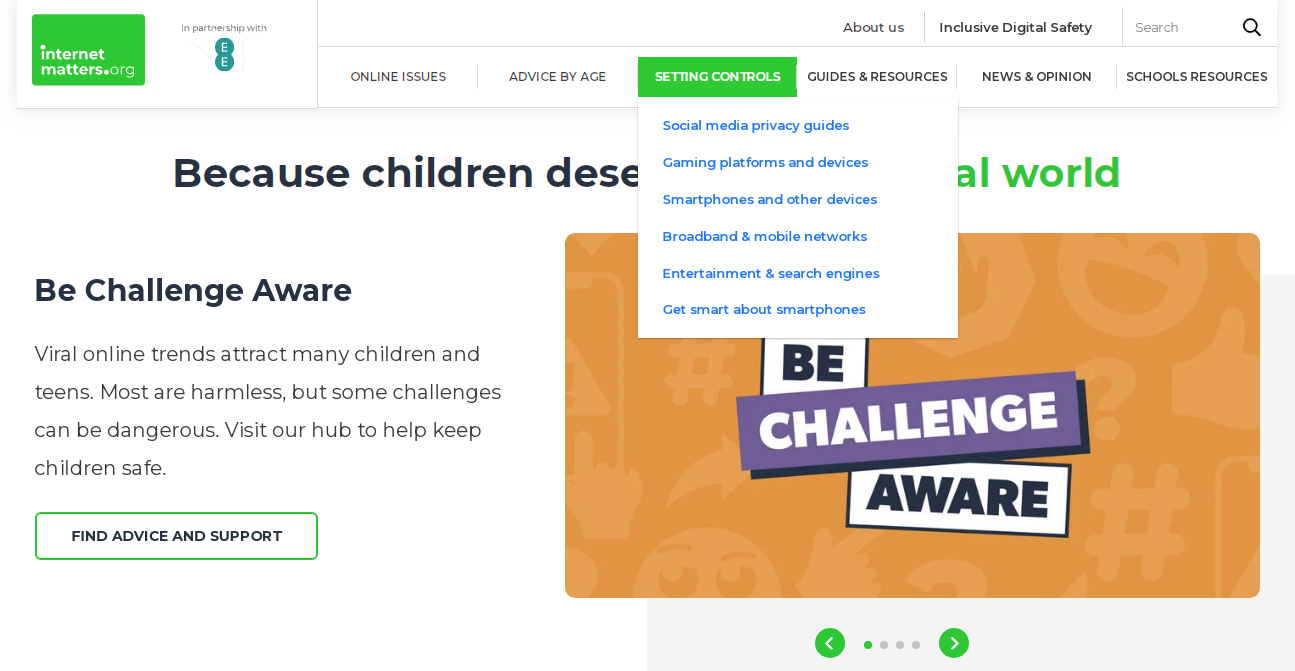
https://www.internetmatters.org/ Under the setting controls section, you will be able to find specific guides for phones, apps, devices and even broadband providers. Each one has a downloadable guide with clear step by step instructions on how to use settings and controls effectively. |
 |
|
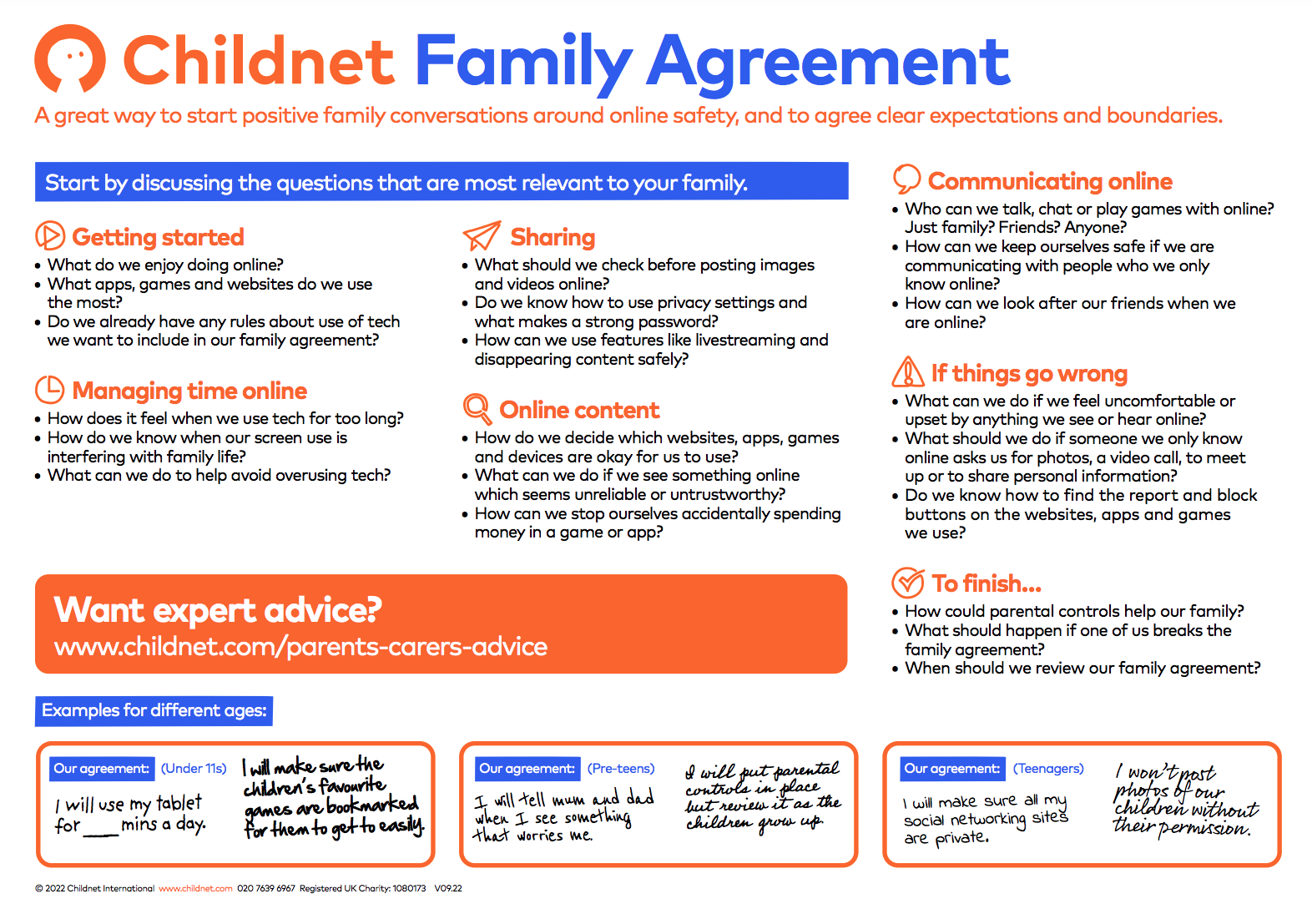
https://www.childnet.com/parents-and-carers/have-a-conversation/ Lots of resources to help parents and carers talk to their children about life online and how to keep a positive, honest and open dialogue! One resource in this area is the family agreement template – a great way to all agree as to the expectations for being safe whilst enjoying all that the online world has to offer. Downloadable blank templates are available. |
 |
|
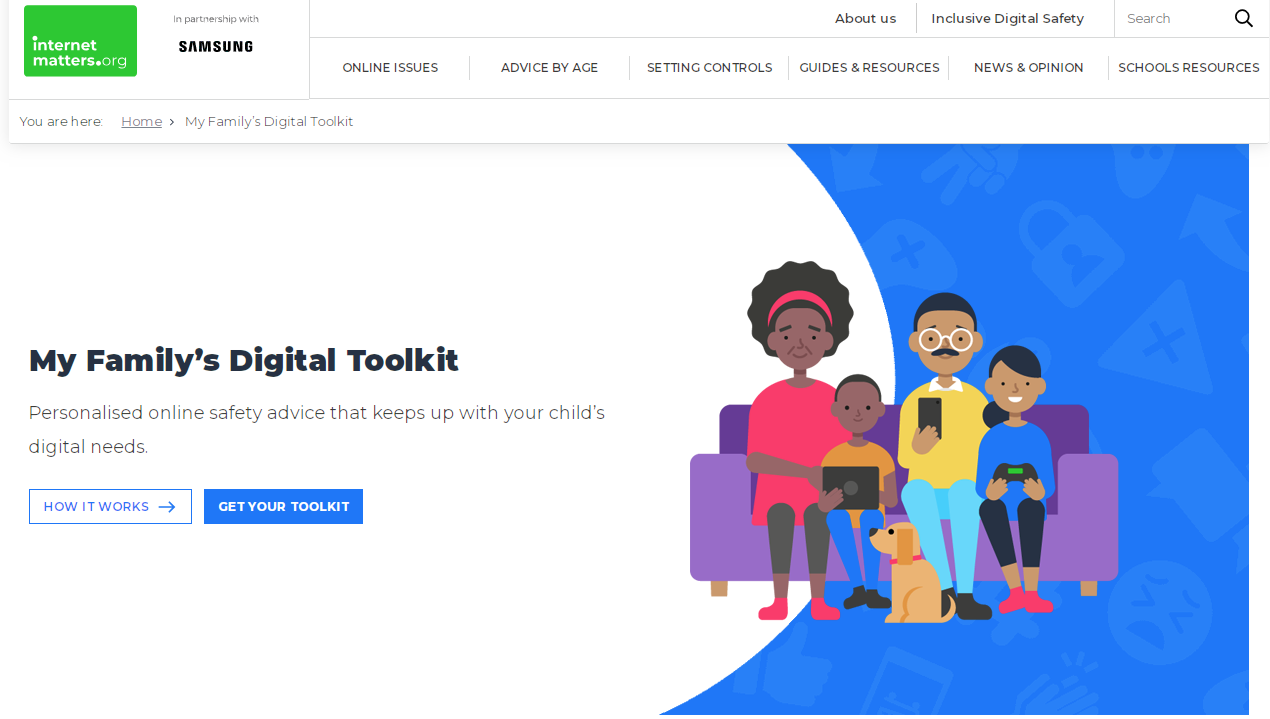
https://www.internetmatters.org/digital-family-toolkit/ Spend just 8 minutes answering questions about your child’s digital habits and you will then receive a full toolkit of tailored resources to help support and protect your child online. Lots of really useful information that is all relevant to the responses that you give. A fantastic to navigate aspects of online life. Can answer for multiple children of multiple ages and interests. A great time saver! |
 |
|
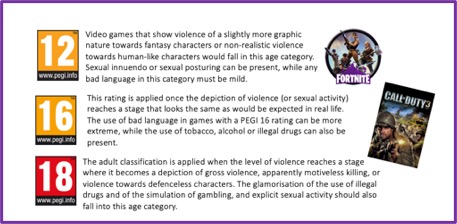
Visit the PEGI website directly to learn more about the content in games. Content is not suitable for children of primary ages and it is really important that parents and carers are aware of what children are being exposed to.
|